









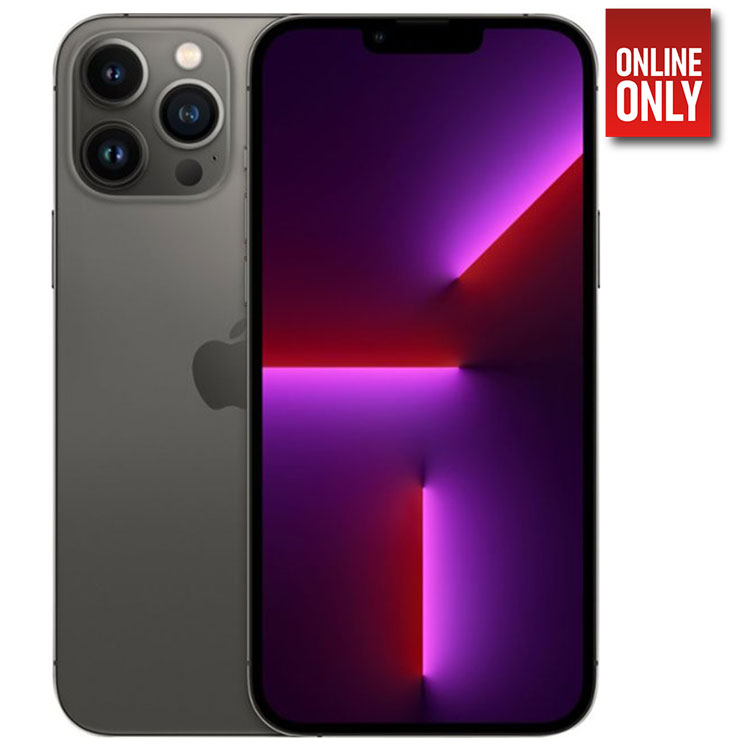



Iphone 13 Pro Max
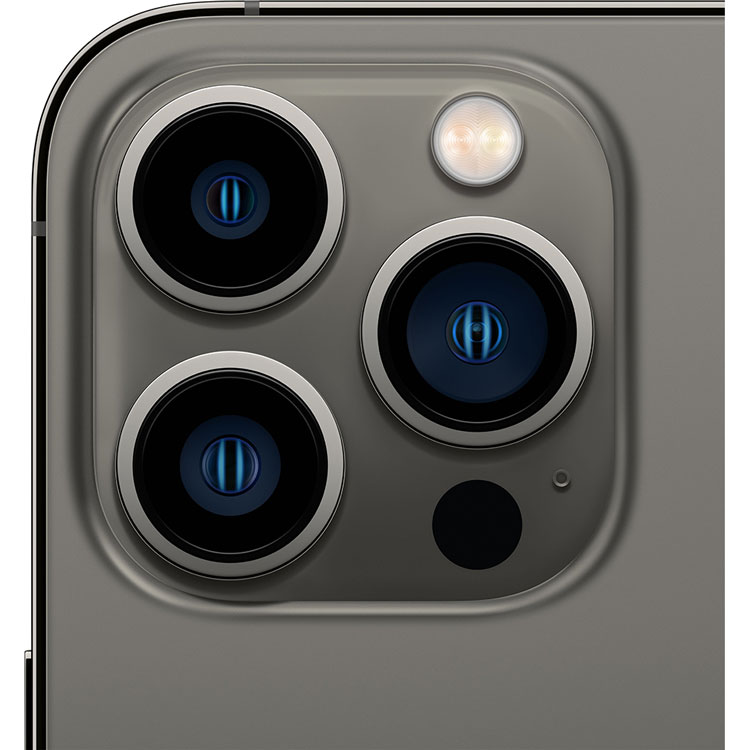
- Our most advanced dual‑camera system ever
- Durability that’s front and center. And edge to edge
- A lightning-fast chip that leaves the competition behind
- A huge leap in battery life you’ll notice every day
- Ceramic Shield, tougher than any smartphone glass
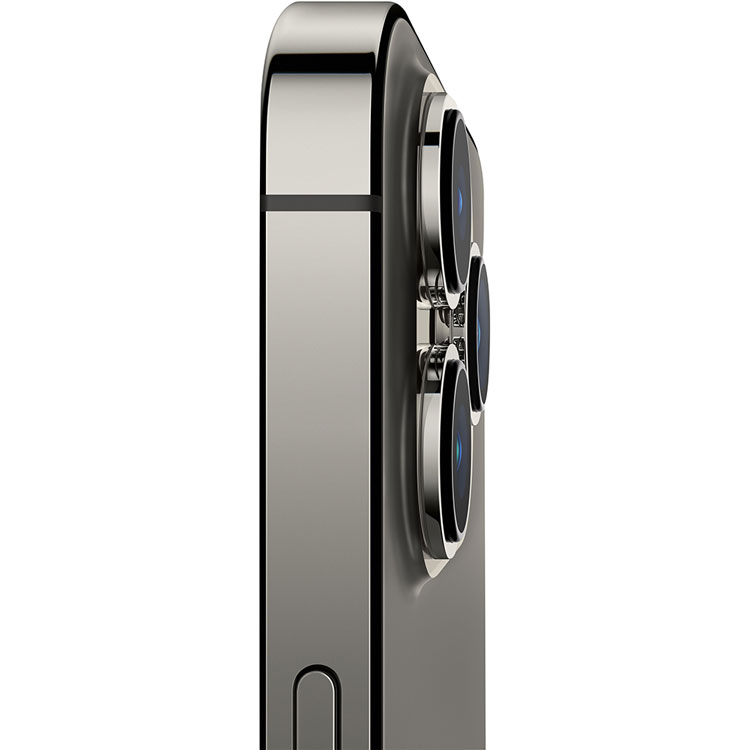
- Durable flat-edge design
- Super Retina XDR display
- Water resistant
- New Ultra Wide camera reveals more detail in the dark areas of your photos
- New Wide camera captures 47% more light for better photos and videos
- New sensor-shift optical image stabilization keeps shots steady even when you’re not
- Take a great photo without lifting a finger
*
Night mode senses low-light scenes and automatically adjusts to take bright, clear photos with amazingly rich colors.
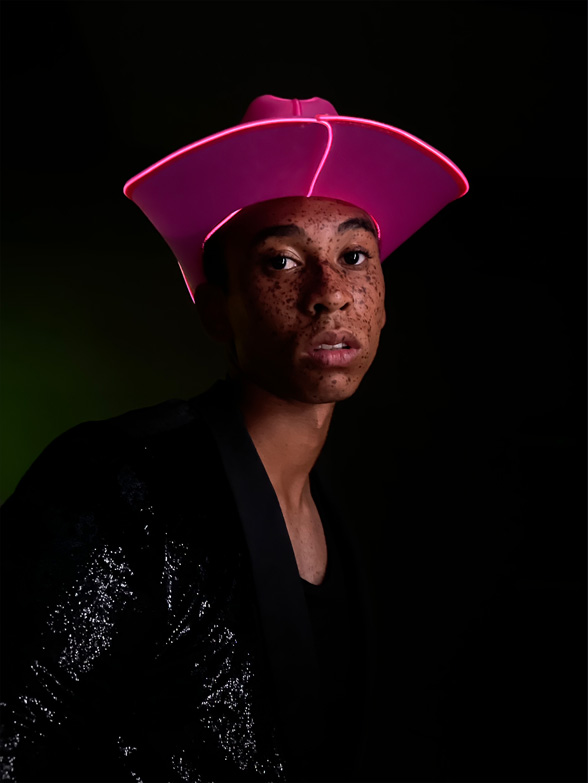
Smart HDR 4 now recognizes up to four different people in a scene and optimizes contrast, lighting, and even skin tones for each one. So everybody looks their best

Portrait mode artfully blurs the background to put the focus on your subject. You can try out six creative lighting effects with a swipe

Deep Fusion activates in mid- to low-light scenes. It analyzes multiple exposures pixel by pixel to capture the subtlest textures, patterns, and details
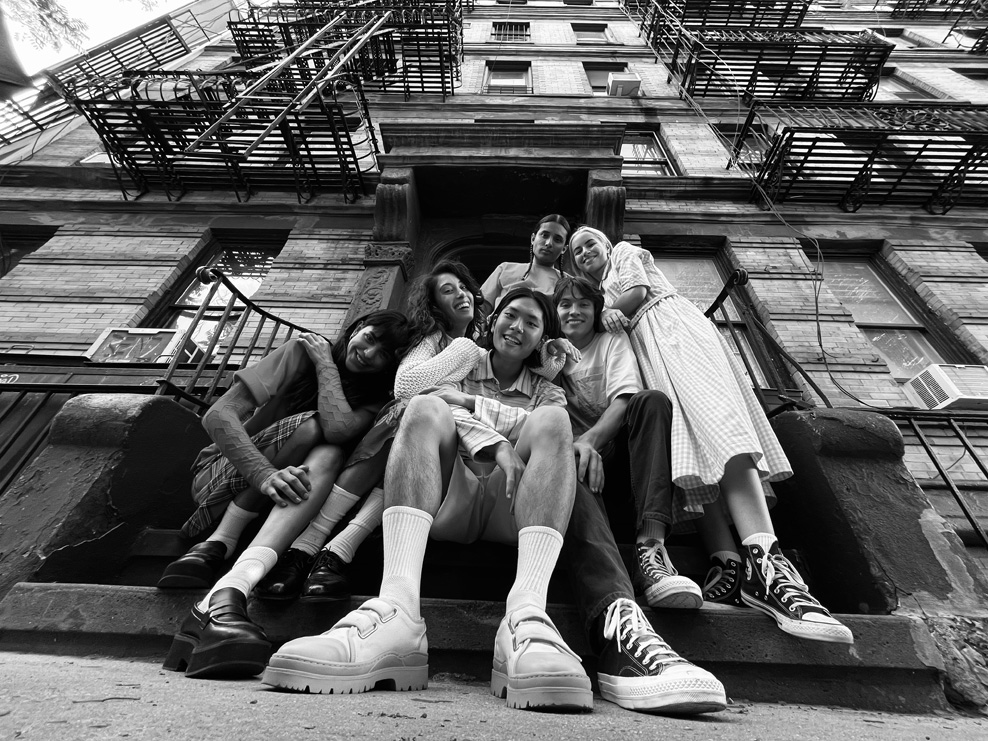
- The Ultra Wide camera gives you a wide field of view even when you’re right up close to what you’re shooting. So you can capture more of the scene without stepping back
- Memories are automatic slideshows created from meaningful moments in your photo library. Personalize them with your own look and feel — or even a soundtrack from your music library
*
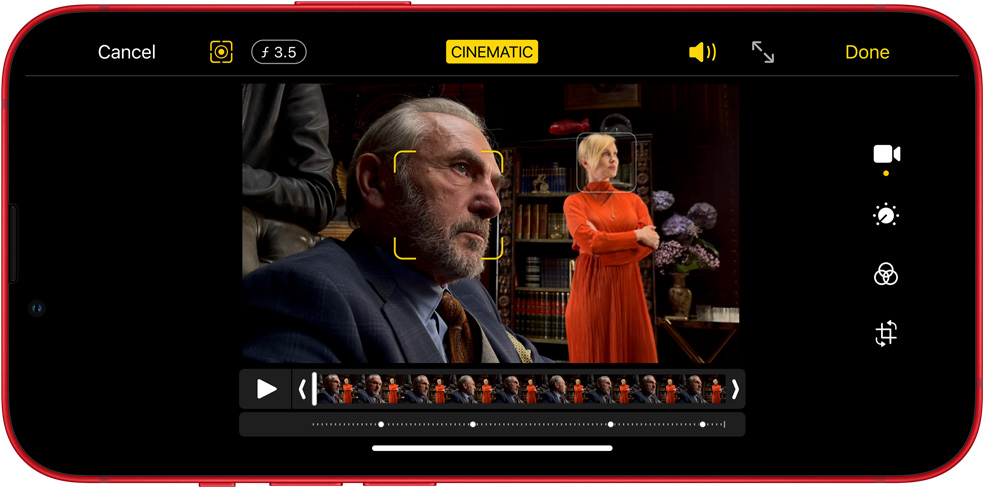
Presenting Cinematic mode

Filmmakers use a technique called rack focus — shifting focus from one subject to another — to guide the audience’s attention in their movies. Now iPhone makes it easy for you to bring the same storytelling technique to your videos.
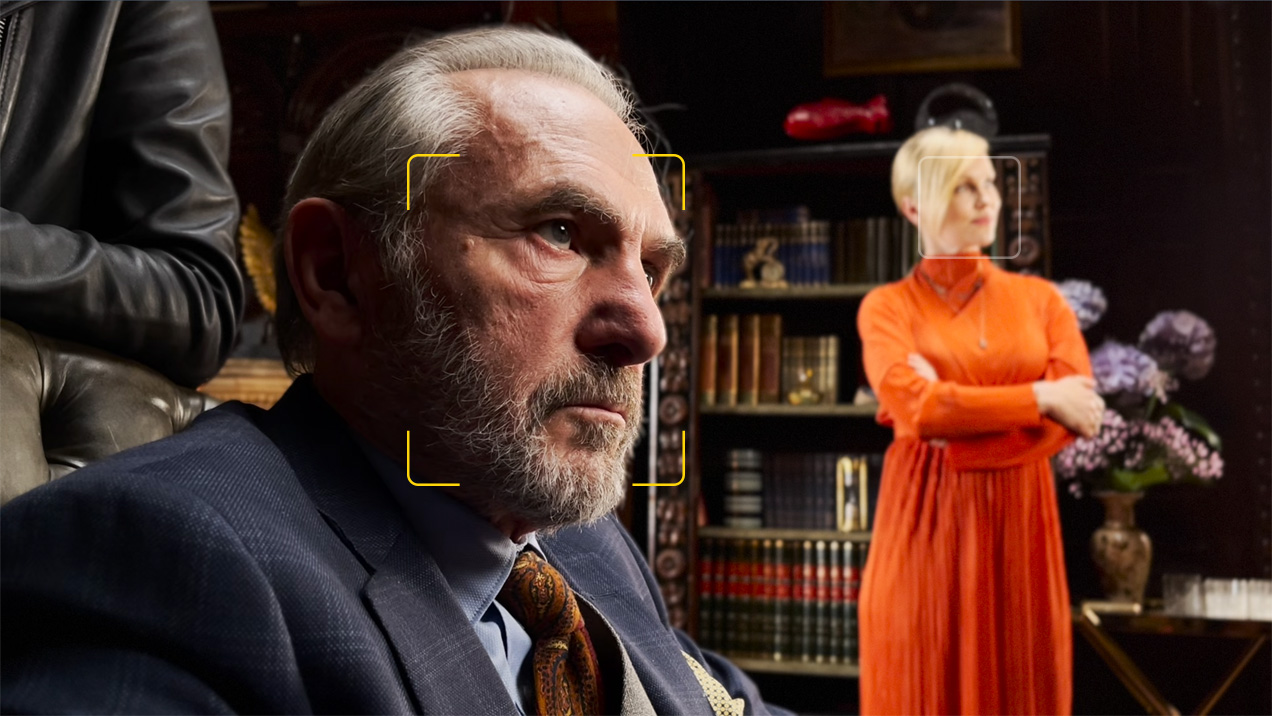

Cinematic mode automatically creates beautiful depth effects and focus transitions
Just start recording and Cinematic mode will hold focus on your subject while creating a beautiful depth-of-field effect all around them.
Cinematic mode can also anticipate when a prominent new subject is about to enter the scene and automatically shift focus when they do. Now you can effortlessly create videos that look and feel like the movies.
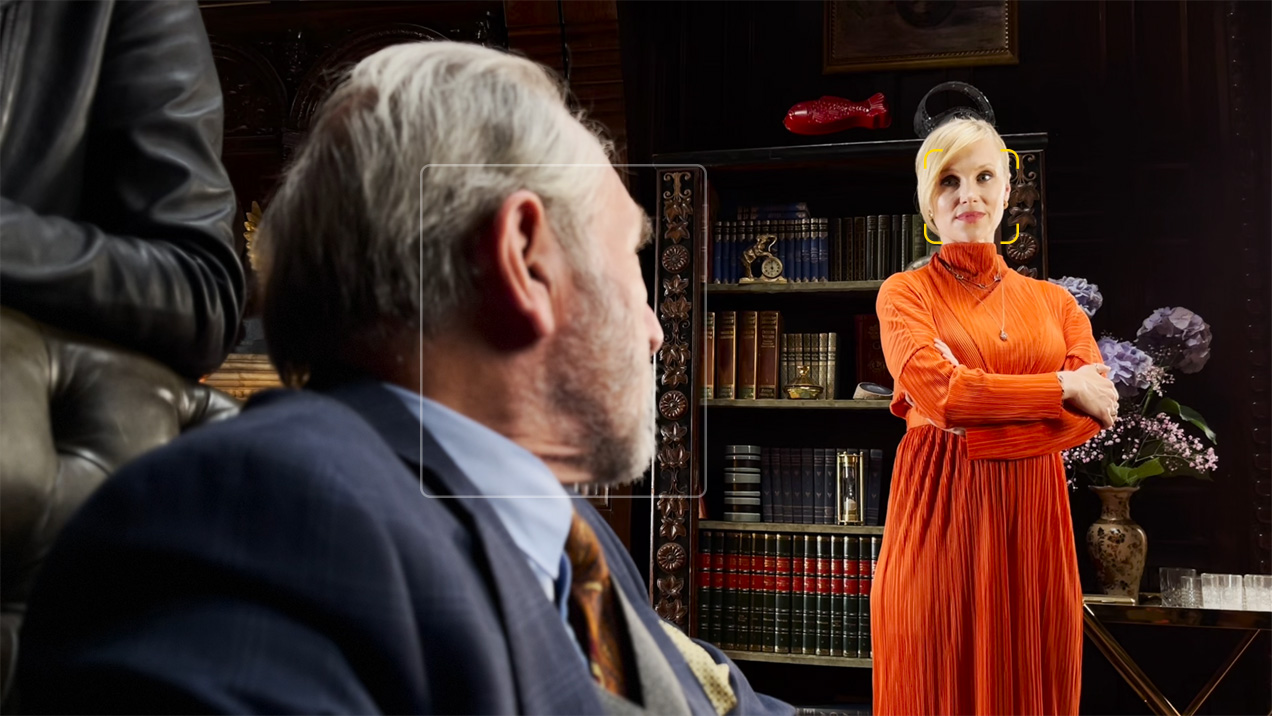
You can even adjust the depth effect after you shoot
Want to change the focus or adjust the blur after shooting wraps? No problem. iPhone lets you do it with a few taps and swipes. Even pro movie cameras can’t do that.
Related Products

WHIRLPOOL 16KG TOPLOAD WASHER WHITE | 1CWTW4705GW
Out of stock
| Merk | Whirlpool |
|---|---|
| Kleur | Wit |
| Automaat type | Droger |
| Laad capaciteit | 3 tot en met 4 CU.FT |
| Laad type | Bovenlader |
| Voltage | 110V |

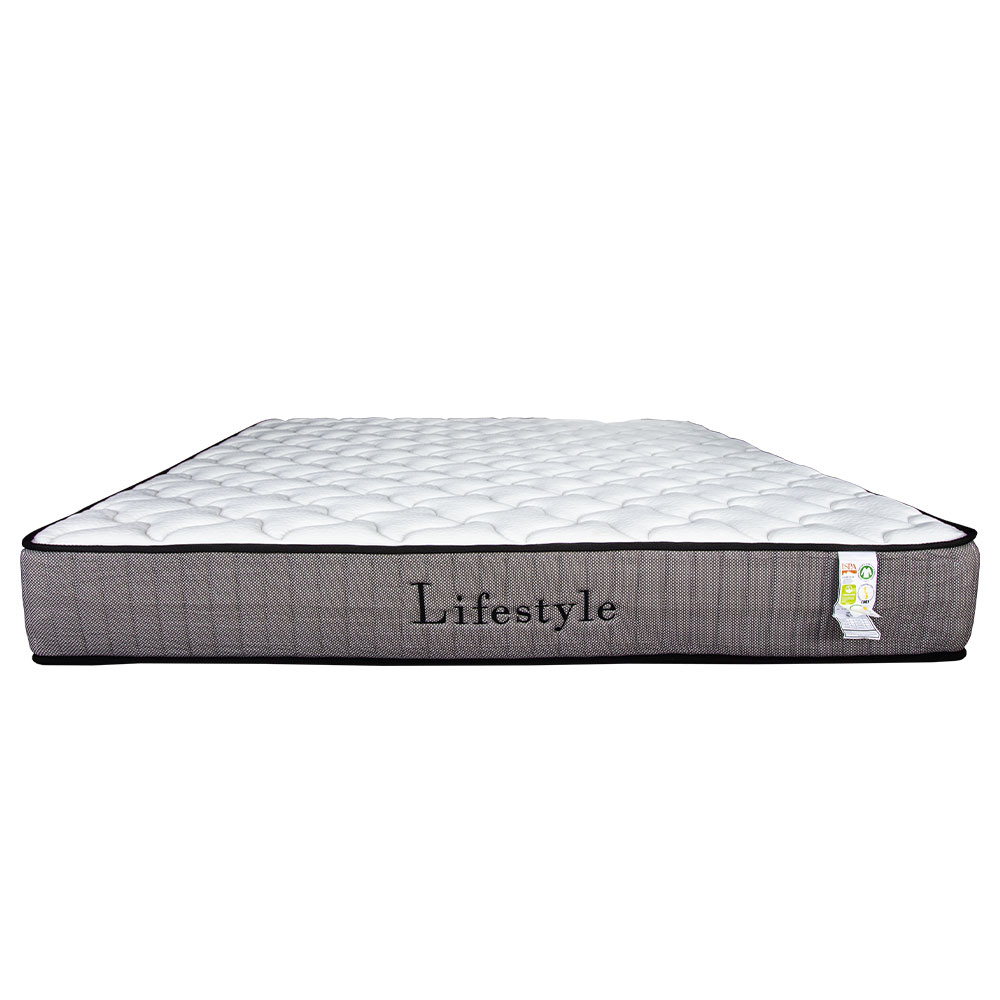
LIFESTYLE MATTRESS IN A BOX QUEEN | LSM-MATTRESS160X200
In stock


Reviews
Clear filtersThere are no reviews yet.